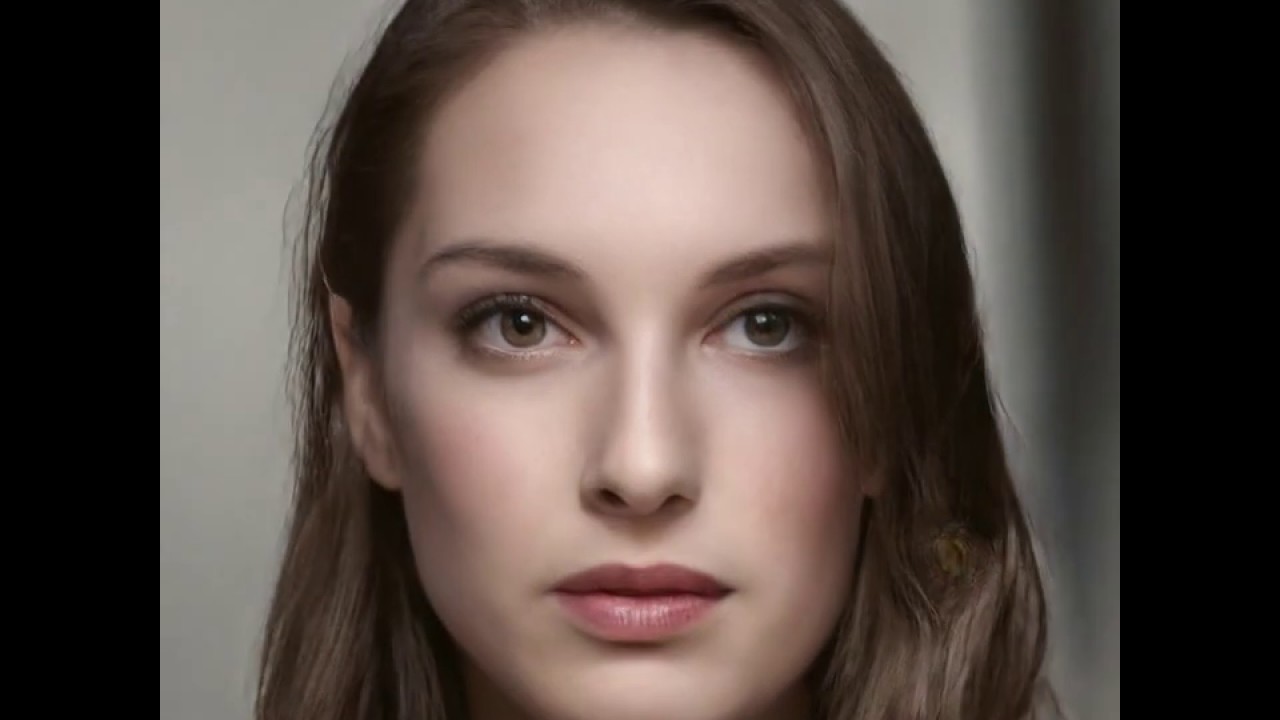
Ever wondered how the FaceApp works? Or how with a simple Snapchat filter you are able to create opposite gender images? Or how the Snapchat Baby Filter works?
If the answer to all these questions is yes and you really want to know the technique behind it, then Style GAN is the answer for you.
Since we have already covered Style GAN, its architecture, and the maths behind it, let's deep dive further to play around with different facial images.
Let's Deep Dive
Since we have already obtained our output vectors from the generated images in the Style GAN Exordium blog, we can now tweak that latent vector space to play around with different facial images.
The Process
The whole process looks like this: we take a set of random samples and generate facial images from them. These images are classified using a pretrained classifier (VGGNet) to obtain a set of attributes or feature vectors - like hair colour, smile, skin colour, gender, etc. - and a dataset is built from these attributes.
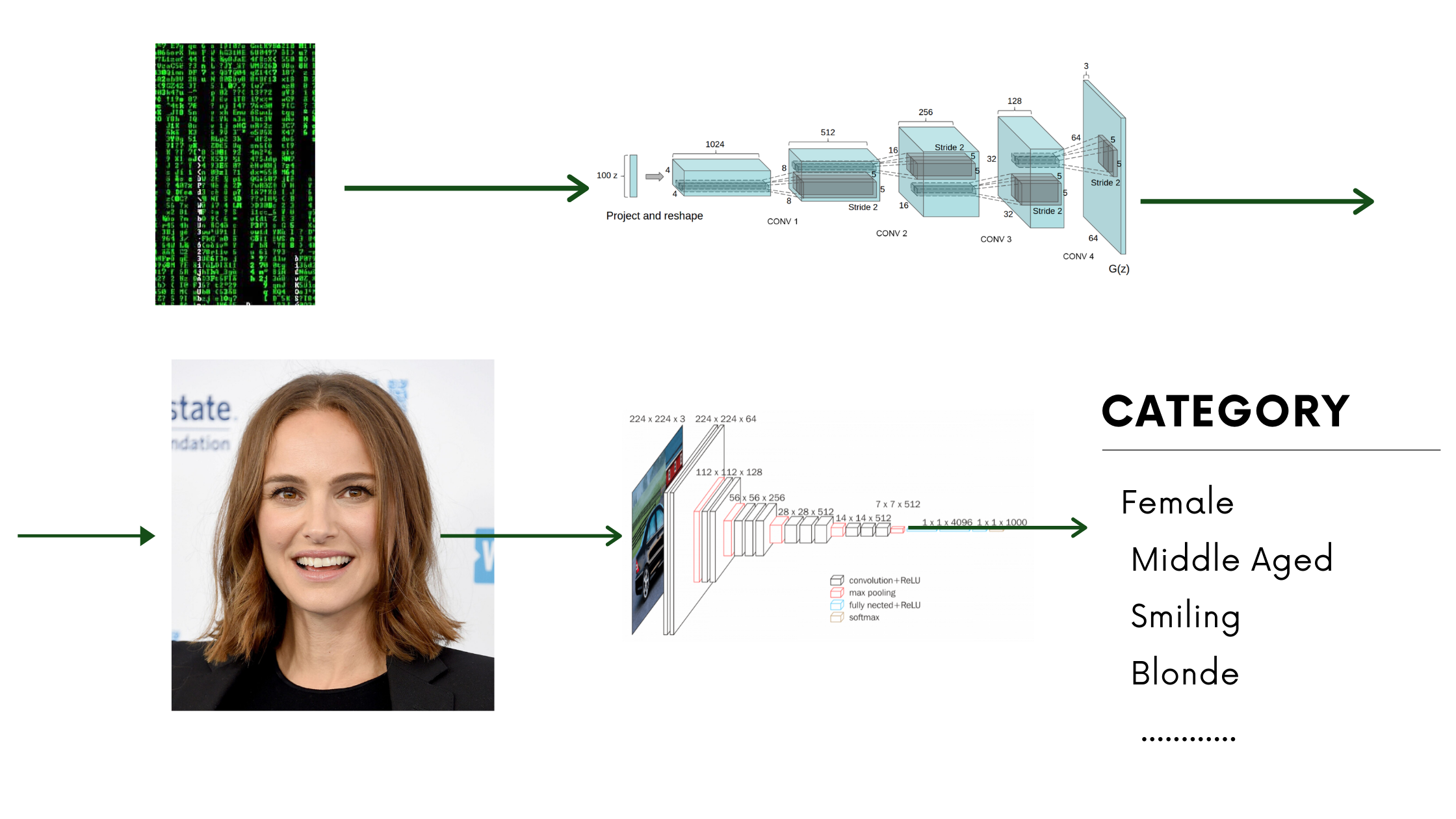
In the notebook you will find a pretrained classifier for this purpose. The original Style GAN contains a 512-dimensional feature vector (directions) space.
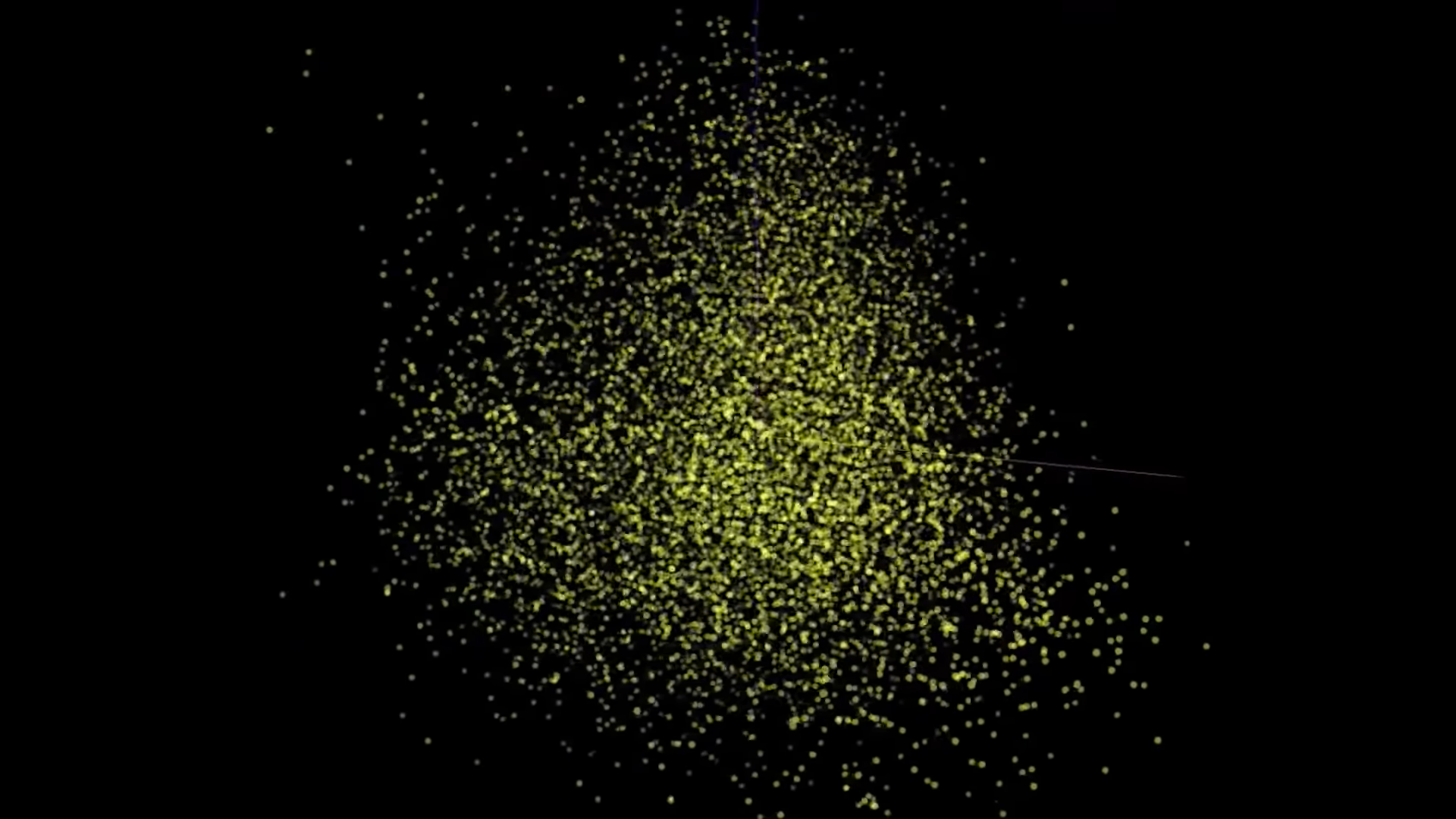
This is a very large and complex feature vector space, but what we are really interested in is: how does changing the latent directions affect the resulting faces? With all the dataset we have created, we can map those feature attributes (classification attributes like hair colour, gender, skin colour, etc.) onto this 512-dimensional feature vector space.
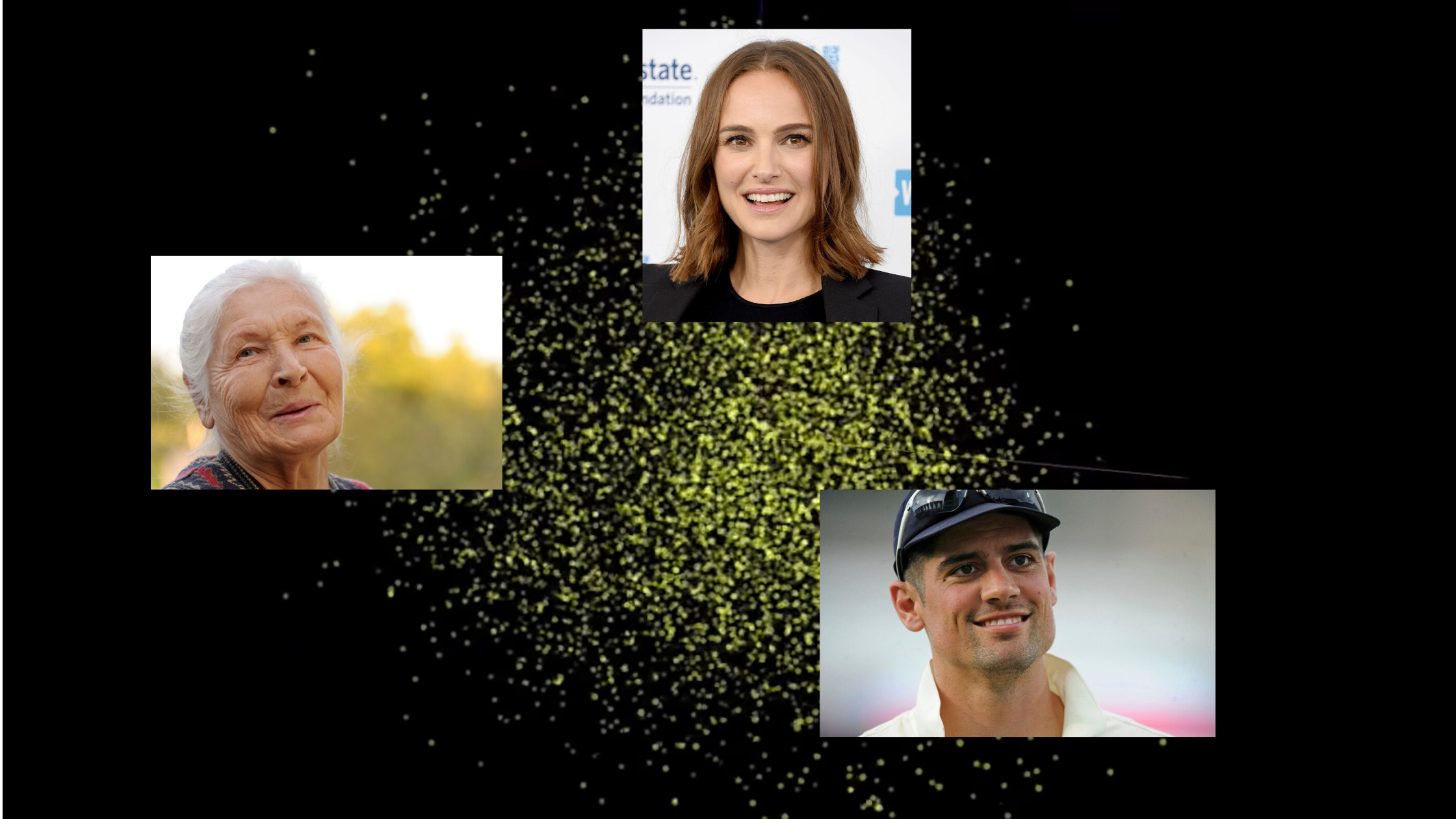
Latent Directions
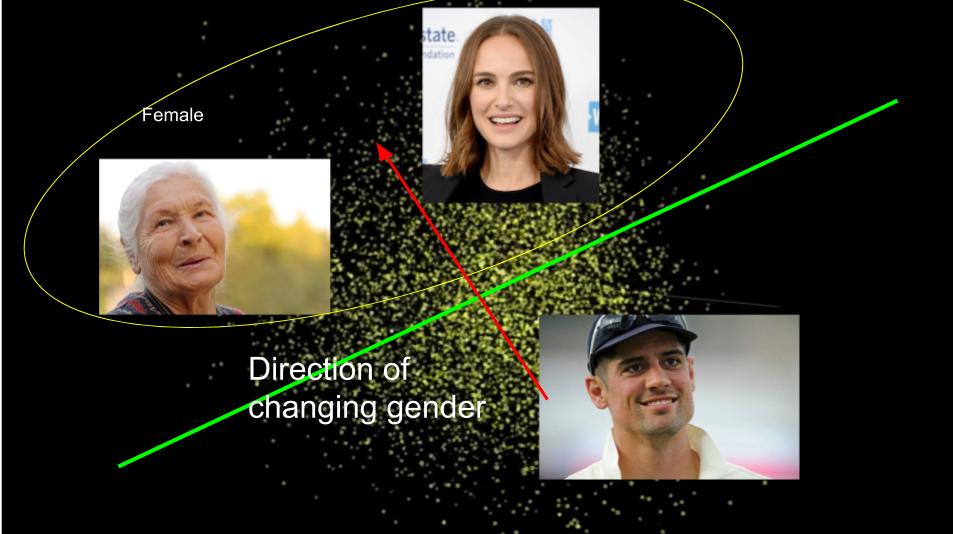
One important observation here is that all the respective attributes are quite separable - that is, if we draw a linear hyperplane, we can cleanly classify these attributes into groups.
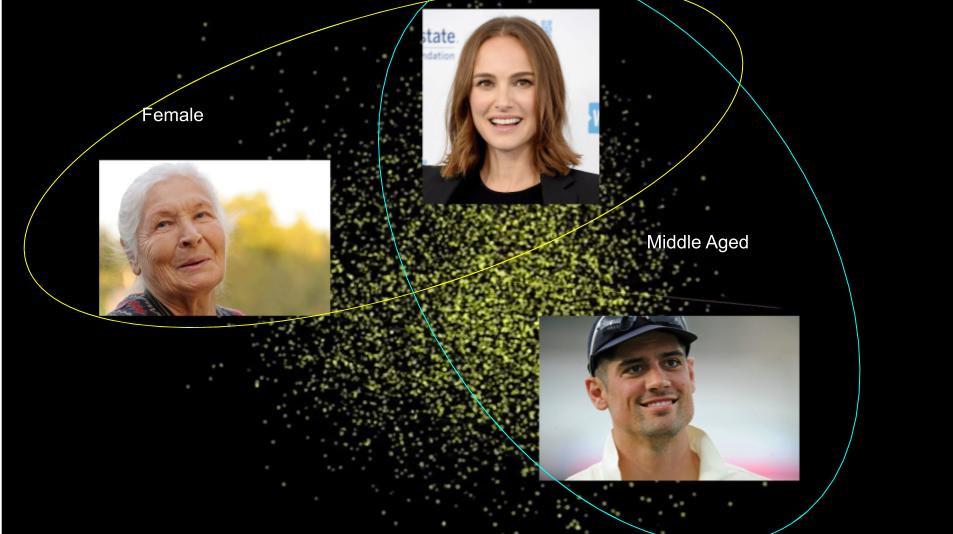
After finding the hyperplane, if we take a normal to it, we observe that moving in the direction of this normal allows us to generate aged or different-gender images of a given face.
The Code
Pretty easy, right? Let's try this with code. In the Google Colab notebook you will find a whole bunch of latent space vectors to train on:
- Age-latent-direction.npy
- Smile-latent-direction.npy
- Pose-latent-direction.npy
- Gender-latent-direction.npy
- Many more...
These are the vector directions I found most useful. If you want to train your own latent direction, there is code for that too.